
Applying for redeployment or relocation during your National Youth Service Corps year is a straightforward procedure. You do not need to pay any third party or agent to complete this task for you. Everything can be completed directly on your personal profile using your mobile phone or computer.
Quick Summary
- Learn the official step-by-step method to submit a relocation request on your NYSC profile dashboard.
- Identify the essential supporting documents needed for marital, medical, or security redeployment applications.
- Discover how to track your application status and print your official relocation approval letter.
The management of the scheme allows corps members to move from one state to another under specific conditions. Knowing how to use your personal user dashboard correctly saves you time and prevents mistakes that could lead to application rejection.
Understanding the NYSC Redeployment and Relocation Process
Relocation is the process of transferring your service year from your current state of deployment to a new state. The scheme permits this movement for three major official reasons: marital grounds, serious medical conditions, or critical security concerns. Every claim you make must be backed up by genuine official documents.
For marital grounds, female corps members are allowed to relocate to the state where their husband resides. For medical grounds, corps members with chronic illnesses can request to serve near specialized medical facilities or family support. Security reasons apply when safety conditions in a specific region require immediate transfer.
Preparing Required Supporting Documents Before Application
Before you begin the application on your dashboard, you must prepare all supporting documents in clear digital formats. For marital relocation, you will need your marriage certificate, a letter from your husband’s employer, proof of address, and official newspaper change of name publication. You can check the complete list of NYSC relocation requirements to ensure you do not miss any document.
Medical applications require a certified medical report from an official government hospital or military hospital. Make sure that all scanned documents are clear and readable so that officials can verify them quickly. If your document image files are too large, you can use online tools like Image Resizer to reduce the file size before uploading.
Ensure that all file uploads fall within the size limits specified on the screen. Uploading blurry or incorrect documents will cause your application to be flagged or turned down immediately. Keeping your files ready on your device makes the application quick and stress-free.
Step-by-Step Guide to Applying on Your NYSC Dashboard
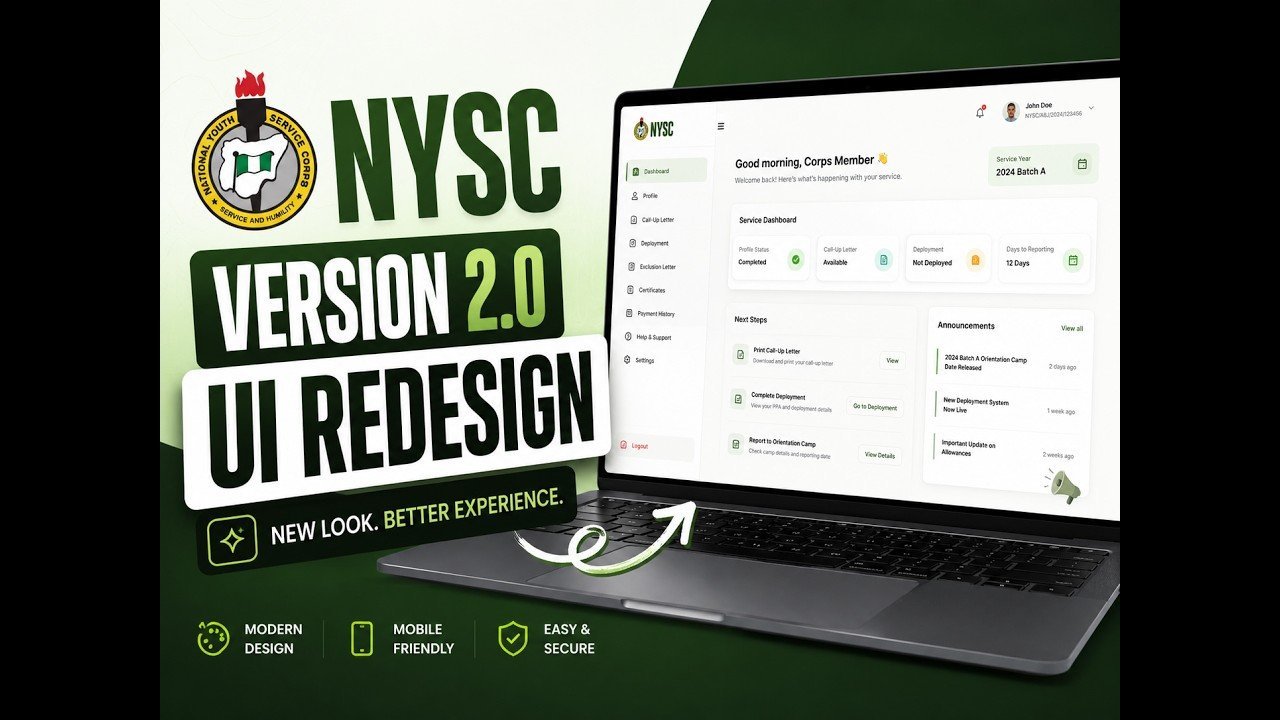
To start your online application, open your web browser and head straight to the official portal page. Access the NYSC portal login page by entering your registered email address and user password correctly. Once logged in, your main user home page will load on your screen.
Locate and click on the option labeled “Manage Relocation” or “Apply for Relocation” on your user menu. The system will prompt you to select your preferred state of destination from the list of available states. You will also select the exact reason why you are requesting to leave your current state of service.
After selecting your destination state and reason, fill in all required text boxes with precise information. Next, click on the upload buttons to attach your clear supporting documents one by one. Review all entered details carefully to confirm that everything is accurate before clicking the final submit button.
How to Track Approval Status and Print Your Relocation Letter
After submitting your application, you should check your profile regularly to monitor the processing status. The officials in charge will review your submitted documents to decide if your request meets the official criteria. Processing times can take a few days depending on the volume of applications submitted during that batch.
When your application is approved, a new button labeled “Print Relocation Letter” will appear on your dashboard. Click this button to download and print your official approval slip in color. Take this printed letter along with your original documents to the NYSC Secretariat in your new state to report for duty.
If your application is rejected, the portal will display the reason for decision, such as invalid documents or unclear scans. You can correct the noted issues and re-apply if the portal remains open for submissions. Always follow official instructions carefully to ensure a smooth transfer process.